

windows在anaconda中下载安装fasttext
fasttext的github官网:https://github.com/facebookresearch/fastText
1.访问fasttext-wheel,点击对应链接,下载对应Python版本、操作系统类型 的.whl文件:
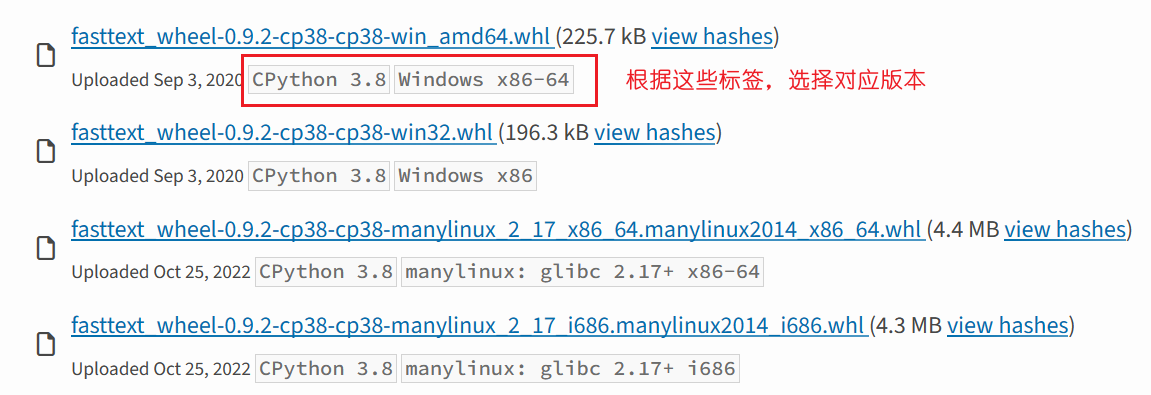
2.打开anaconda终端,切换到上面的.whl文件的工作目录,运行pip安装命令,指定安装文件:
pip install fasttext_wheel-0.9.2-cp38-cp38-win_amd64.whl

 浙公网安备 33010602011771号