
IO流
一、文件
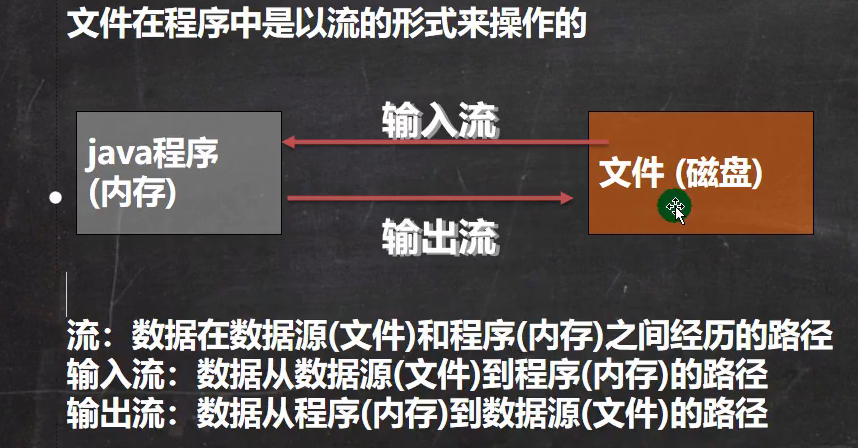
1. 概念
- 文件流
2. 常用操作
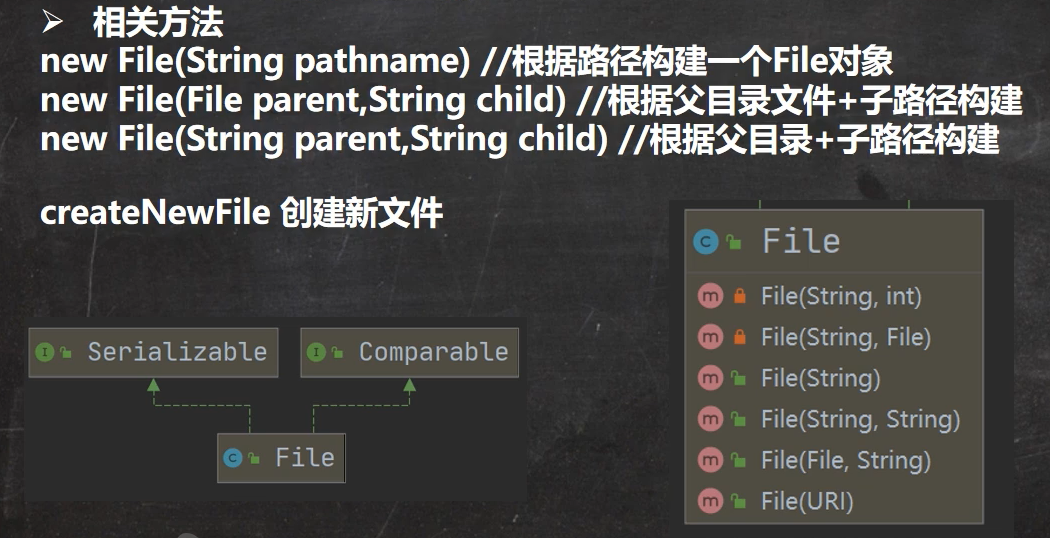
(1) 创建文件对象相关构造器和方法
示例:
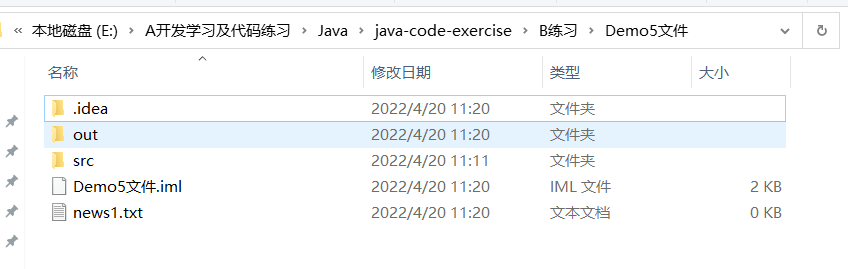
- 方式一:new File(String pathname)
public void creat01() {
    String filePath = "E:\\A开发学习及代码练习\\Java\\java-code-exercise\\B练习\\Demo5文件\\news1.txt";
    File file = new File(filePath);

    try {
        file.createNewFile();
        System.out.println("文件创建成功");
    } catch (IOException e) {
        e.printStackTrace();
    }
}
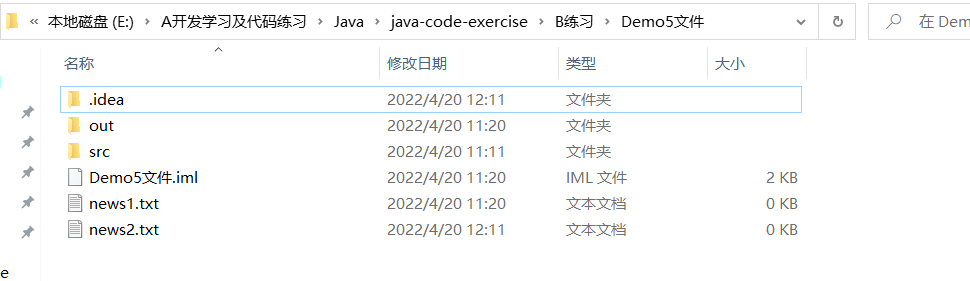
- 方式二:new File(File parent,String child)
public void create02() {
    File pathFile = new File("E:\\A开发学习及代码练习\\Java\\java-code-exercise\\B练习\\Demo5文件\\");
    String fileName = "news2.txt";
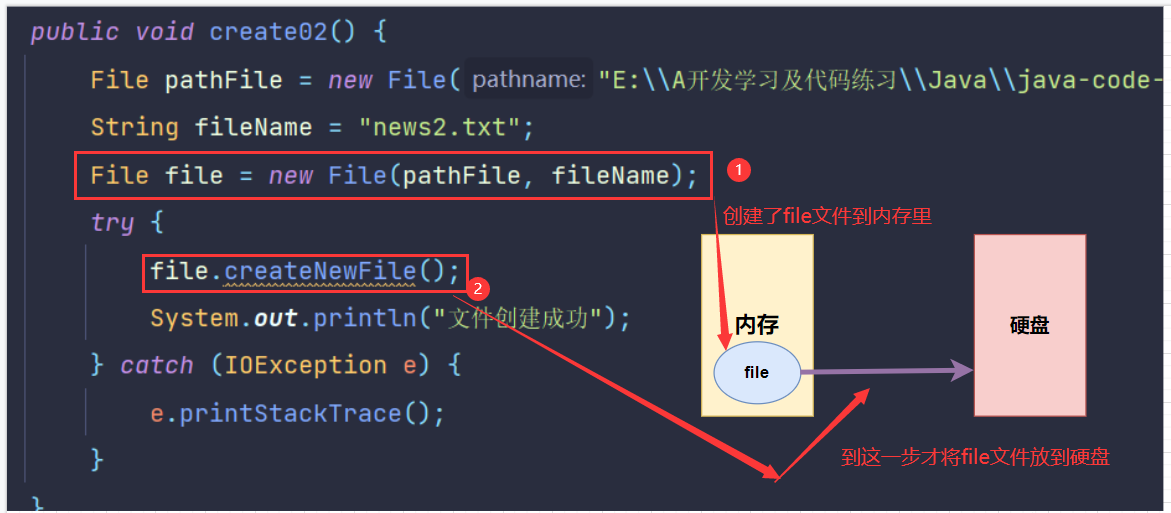
    //这里的file对象,在java程序中,只是一个对象
    //只有执行了createNewFile方法,才会真正的在磁盘创建该对象
    File file = new File(pathFile, fileName);
    try {
        file.createNewFile();
        System.out.println("文件创建成功");
    } catch (IOException e) {
        e.printStackTrace();
    }
}
- 方式三:new File(String parent,String child)
public void create03() {
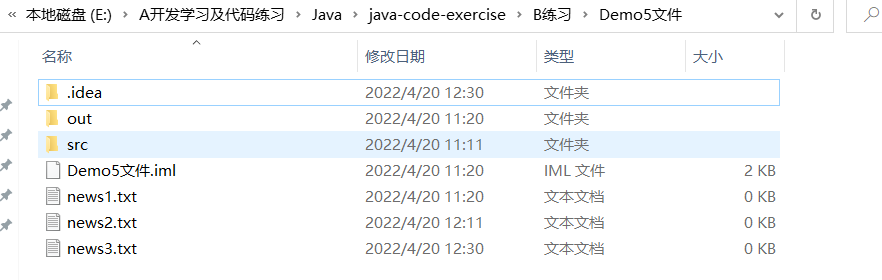
    String parentPath = "E:\\A开发学习及代码练习\\Java\\java-code-exercise\\B练习\\Demo5文件\\";
    String fileName = "news3.txt";
    File file = new File(parentPath, fileName);
    try {
        file.createNewFile();
        System.out.println("文件创建成功");
    } catch (IOException e) {
        e.printStackTrace();
    }
}
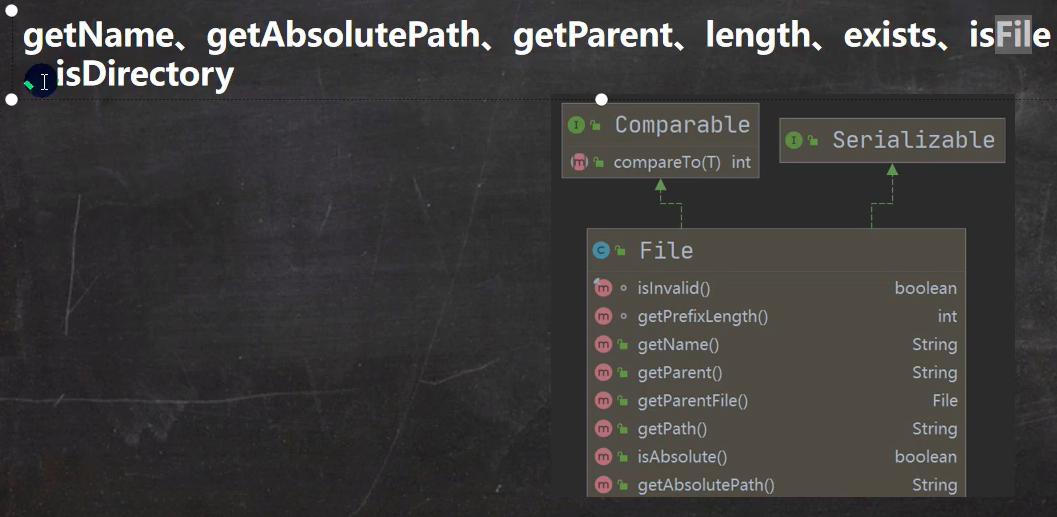
(2) 获取文件的相关信息
示例:
public void info() {
    //先创建文件对象
    File file = new File("E:\\A开发学习及代码练习\\Java\\java-code-exercise\\B练习\\Demo5文件\\news1.txt");

    //调用相应的方法,得到对应的信息
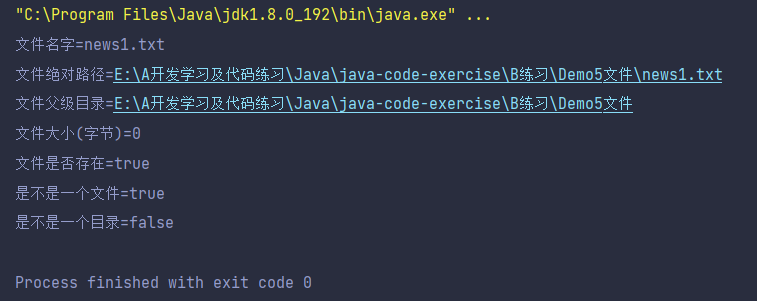
    System.out.println("文件名字=" + file.getName());
    System.out.println("文件绝对路径=" + file.getAbsolutePath());
    System.out.println("文件父级目录=" + file.getParent());
    System.out.println("文件大小(字节)=" + file.length());
    System.out.println("文件是否存在=" + file.exists());
    System.out.println("是不是一个文件=" + file.isFile());
    System.out.println("是不是一个目录=" + file.isDirectory());
}
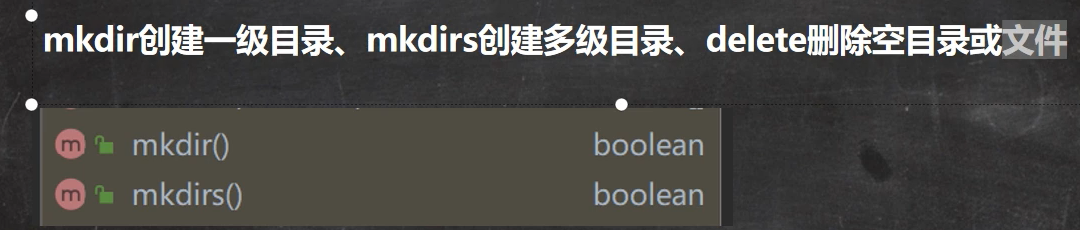
(3)目录的操作和文件删除
示例1:
//判断 E:\A开发学习及代码练习\Java\java-code-exercise\B练习\Demo5文件\news1.txt 是否存在,如果存在就删除
@Test
public void m1() {
    String filePath = "E:\\A开发学习及代码练习\\Java\\java-code-exercise\\B练习\\Demo5文件\\news1.txt";
    File file = new File(filePath);
    if (file.exists()) {
        if (file.delete()) {
            System.out.println(filePath + "删除成功");
        } else {
            System.out.println(filePath + "删除失败");
        }
    } else {
        System.out.println("该文件不存在");
    }
}
示例2:
//判断 E:\A开发学习及代码练习\Java\java-code-exercise\B练习\Demo5文件\\demo_test 是否存在,存在就删除,否则提示不存在
//在java中,目录也会被当成文件
@Test
public void m2() {
    String filePath = "E:\\A开发学习及代码练习\\Java\\java-code-exercise\\B练习\\Demo5文件\\demo_test";
    File file = new File(filePath);
    if (file.exists()) {
        if (file.delete()) {
            System.out.println(filePath + "删除成功");
        } else {
            System.out.println(filePath + "删除失败");
        }
    } else {
        System.out.println("该目录不存在");
    }
}
示例3:
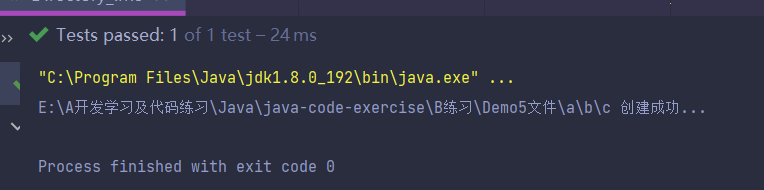
//判断 E:\A开发学习及代码练习\Java\java-code-exercise\B练习\Demo5文件\\a\\b\\c 目录是否存在,如果存在就提示已经存在
//否则创建
@Test
public void m3() {
    String directoryPath = "E:\\A开发学习及代码练习\\Java\\java-code-exercise\\B练习\\Demo5文件\\a\\b\\c";
    File file = new File(directoryPath);
    if (file.exists()) {
        System.out.println(directoryPath + " 存在...");
    } else {
        if (file.mkdirs()) {
            System.out.println(directoryPath + " 创建成功...");
        } else {
            System.out.println(directoryPath + " 创建失败...");
        }
    }
}




 浙公网安备 33010602011771号