
15. GD库
GD2模块
1. GD2程序绘图步骤
- 创建画布
- 为每一个画布分配颜色
- 使用相关函数进行绘图操(圈,点,线,写字)
- 通知浏览器图片相关信息(jpg,jpeg,png)
- 将图片显示到浏览器或保存到本地
- 释放资源
2.使用GD2先关函数进行绘图操作
imagecreate( int $x_size, int $y_size) : resource— 新建一个基于调色板的图像(256种颜色,适合GIF格式)- imagecreatetruecolor ( int
$width, int$height) : resource — 新建一个真彩色图像(颜色多适合制作PHG和JPG) - imagecolorallocate( resource
$image, int$red, int$green, int$blue) : int — 为一幅图像分配颜色 - imagefill( resource
$image, int$x(填充开始的X点) , int$y(填充开始的Y点) , int$color(步骤3所返回的数字标识(int)) ) : bool — 区域填充,在image图像的坐标x,y(图像左上角为 0, 0)处用color颜色执行区域填充 - header('Content-type:image/jpeg')-告诉浏览器图片相关信息
- imagejpeg ( resource
$image(创建画布时返回的资源) [, string$filename` ] ) : bool— 输出图象到浏览器或文件。 - imagepng ( resource
$image[, string$filename] ) : bool - imagegif ( resource
$image[, string$filename] ) : bool - imagedestroy ( resource
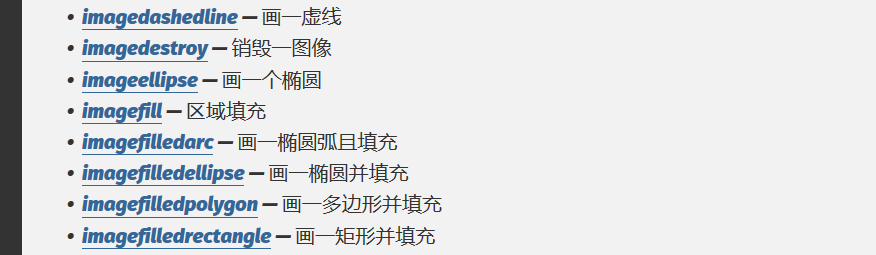
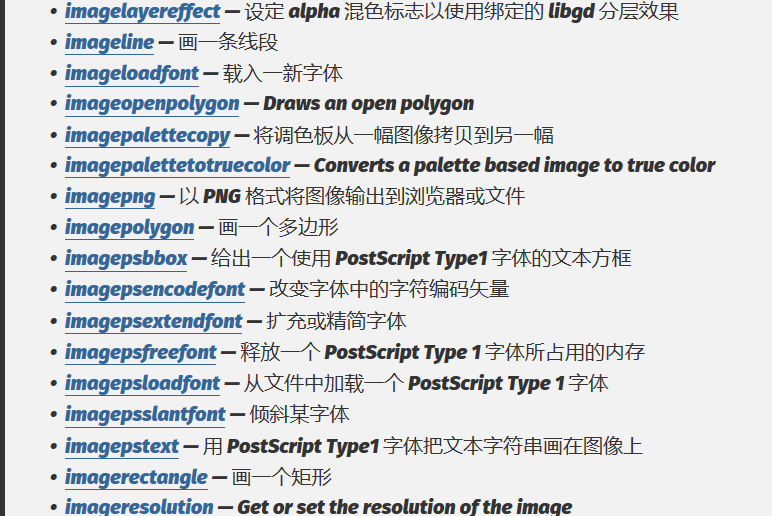
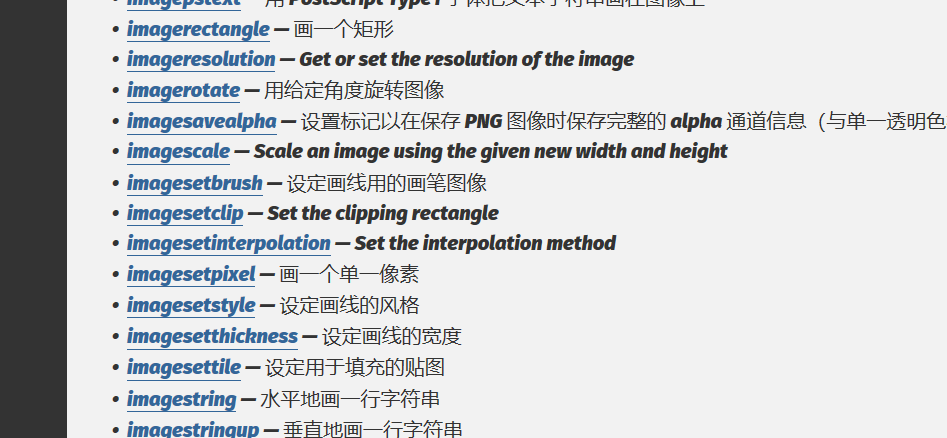
$image) : bool — 销毁一图像 - 可以画其他形状或是写字或是对图片什么的进行操作,详情参考参考手册
暂时了解一下吧,时间不多了,先把核心要用的学会再说吧........道阻且长,以后用时间再补补

 浙公网安备 33010602011771号